Why Facebook Chatbot?
Creating a Facebook chatbot offers several benefits that can significantly enhance your online presence and business operations:- 24/7 Customer Support: You can respond instantly to customer inquiries at any time of the day.
- Increased Engagement: Chatbots can engage with your audience in real time, sending personalized messages, updates, and promotions.
- Lead Generation: By interacting with visitors and taking essential information, chatbots can help generate leads, making it easier to convert potential customers into actual customers.
- Scalability: Unlike human agents, chatbots can handle multiple conversations simultaneously.
How to Create Your Facebook Chatbot?
- Follow these quick steps to create your Facebook chatbot:-
-
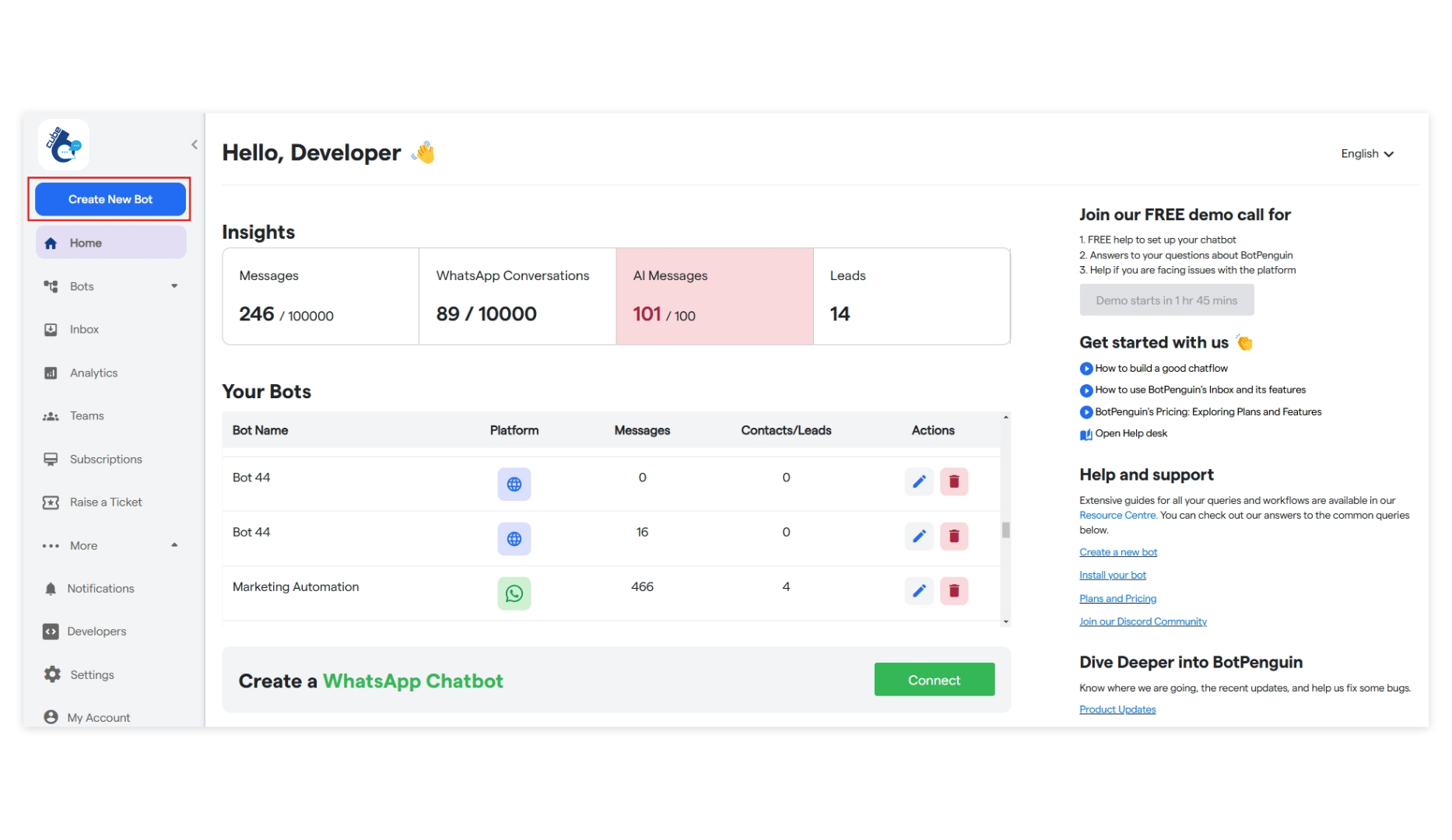
To start creating your new chatbot, click “Create New Bot.”
-
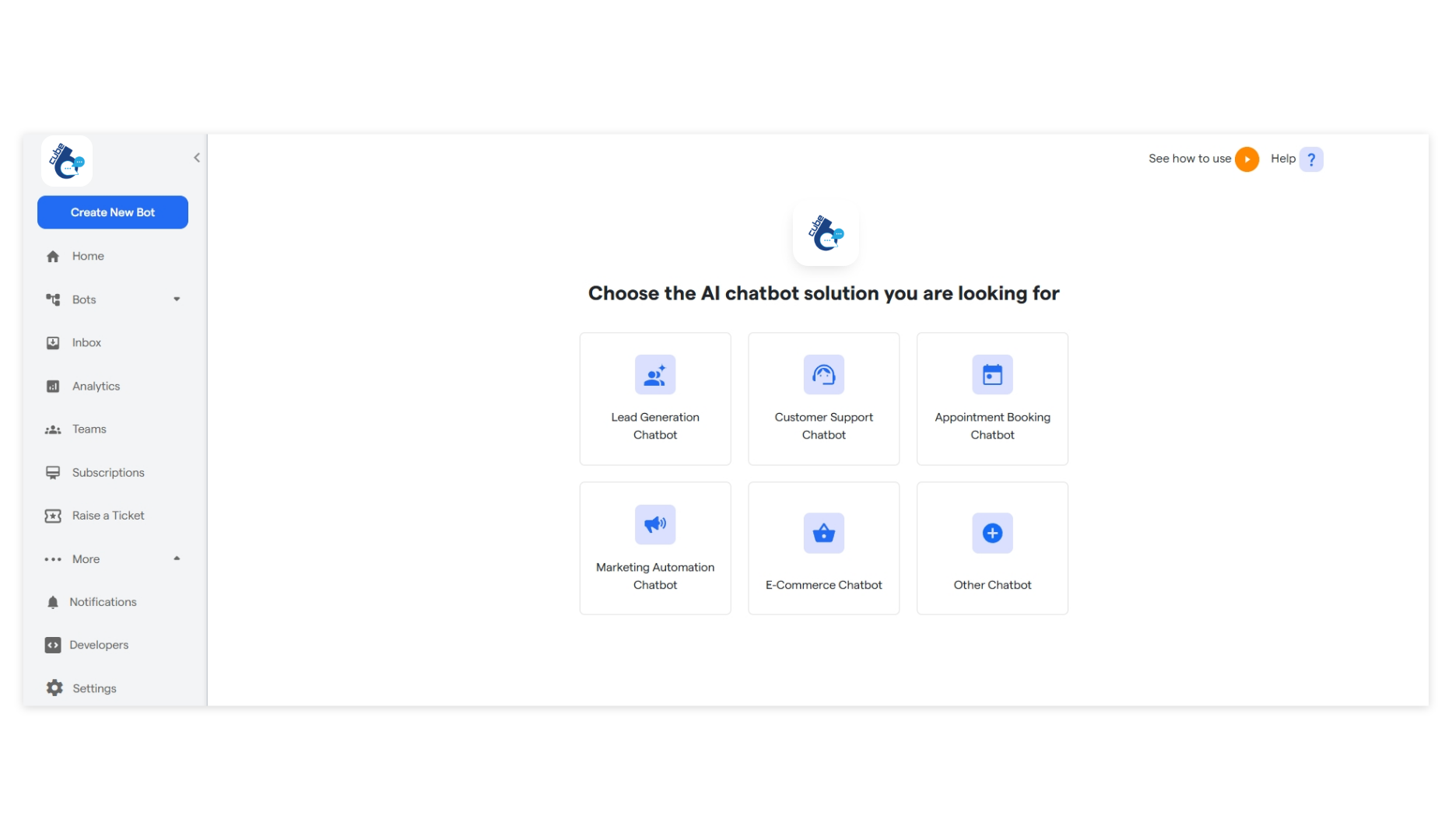
Select the primary purpose for creating your bot and proceed further.
-
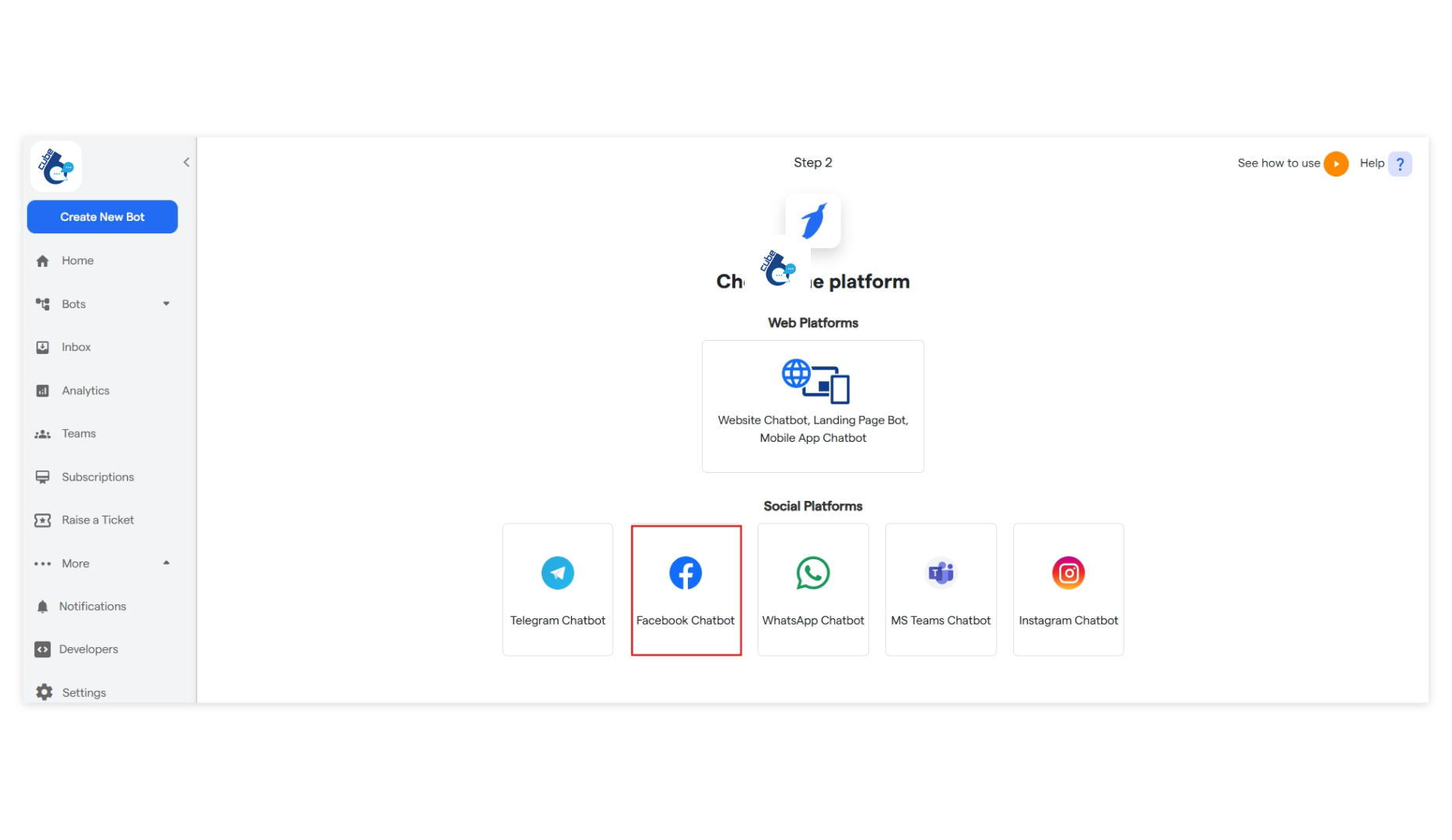
Select “Facebook Chatbot” to begin creating your chatbot.
-
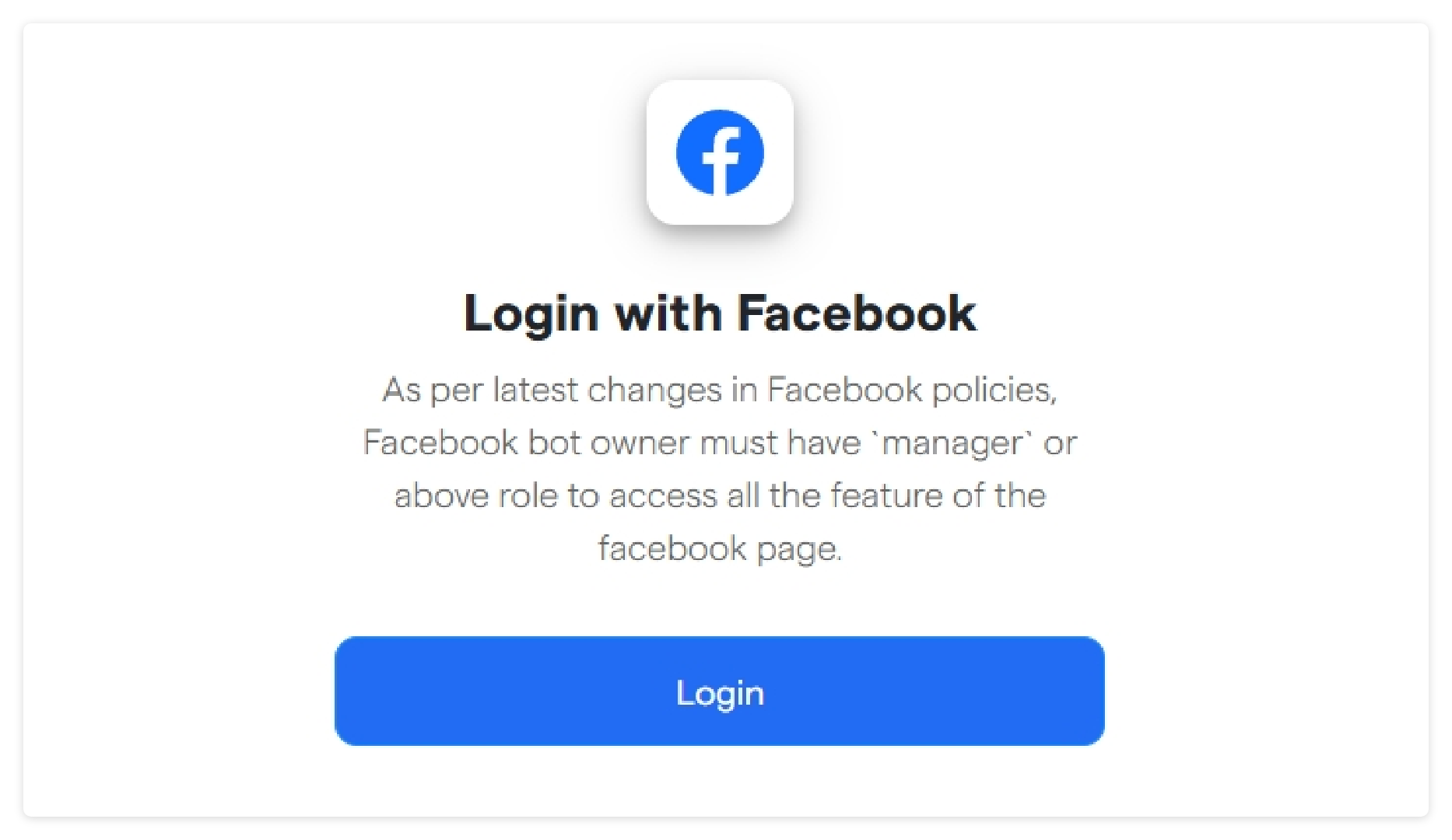
Now click on login and connect your facebook account.
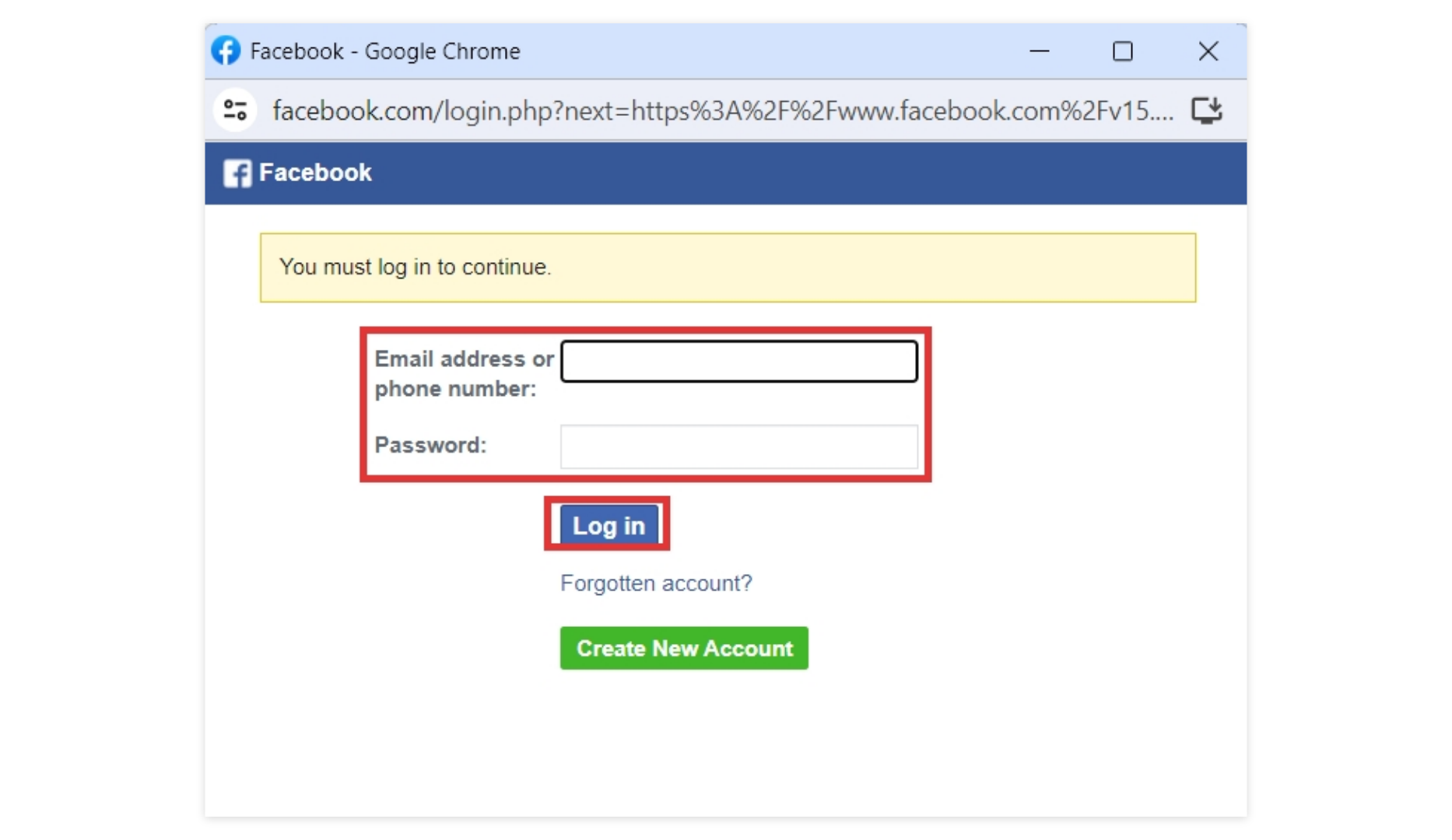
- Enter your phone number/email address and click “Log in”.
-
If you want to create a new Facebook account, click on “Create New Account”
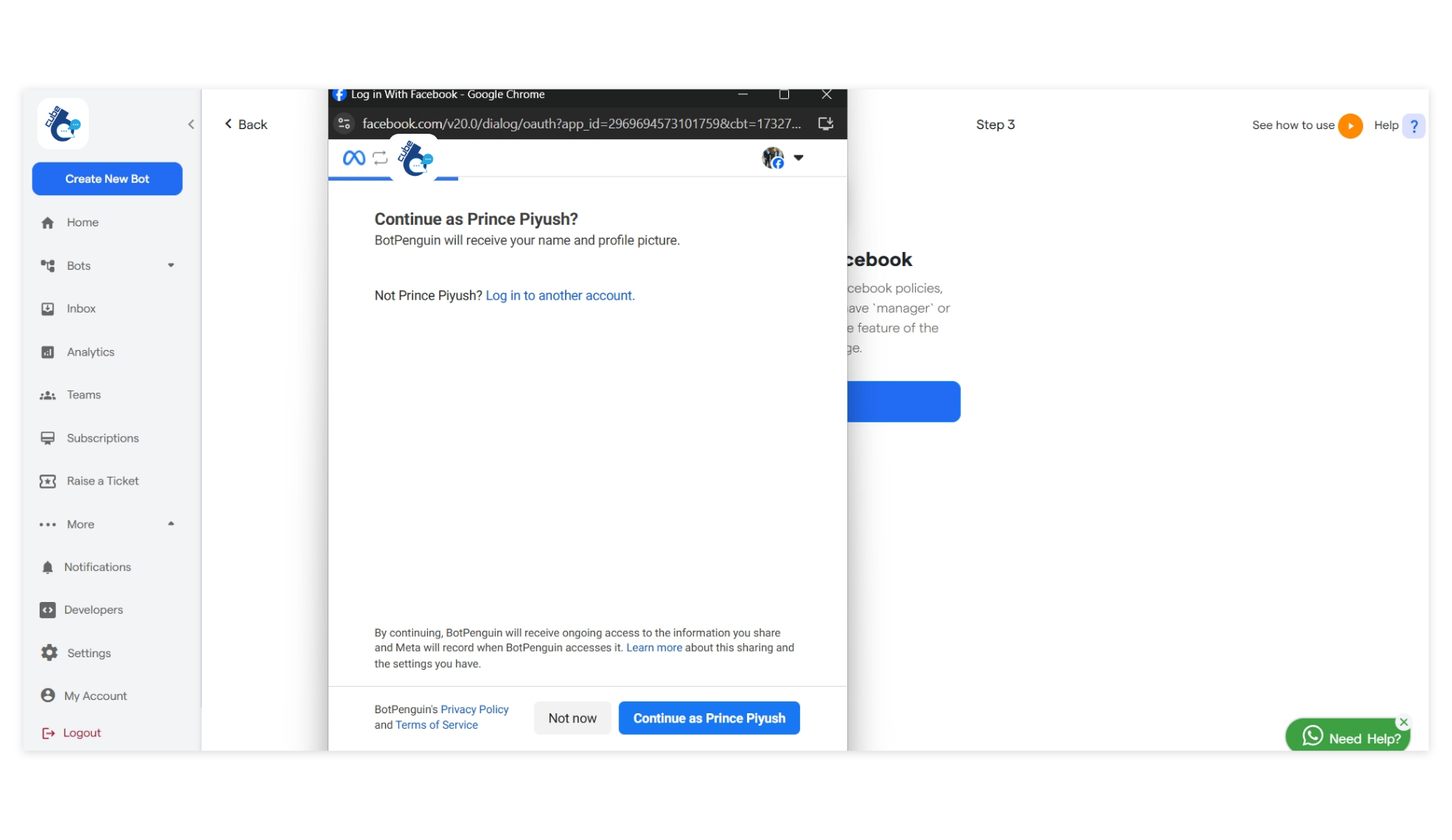
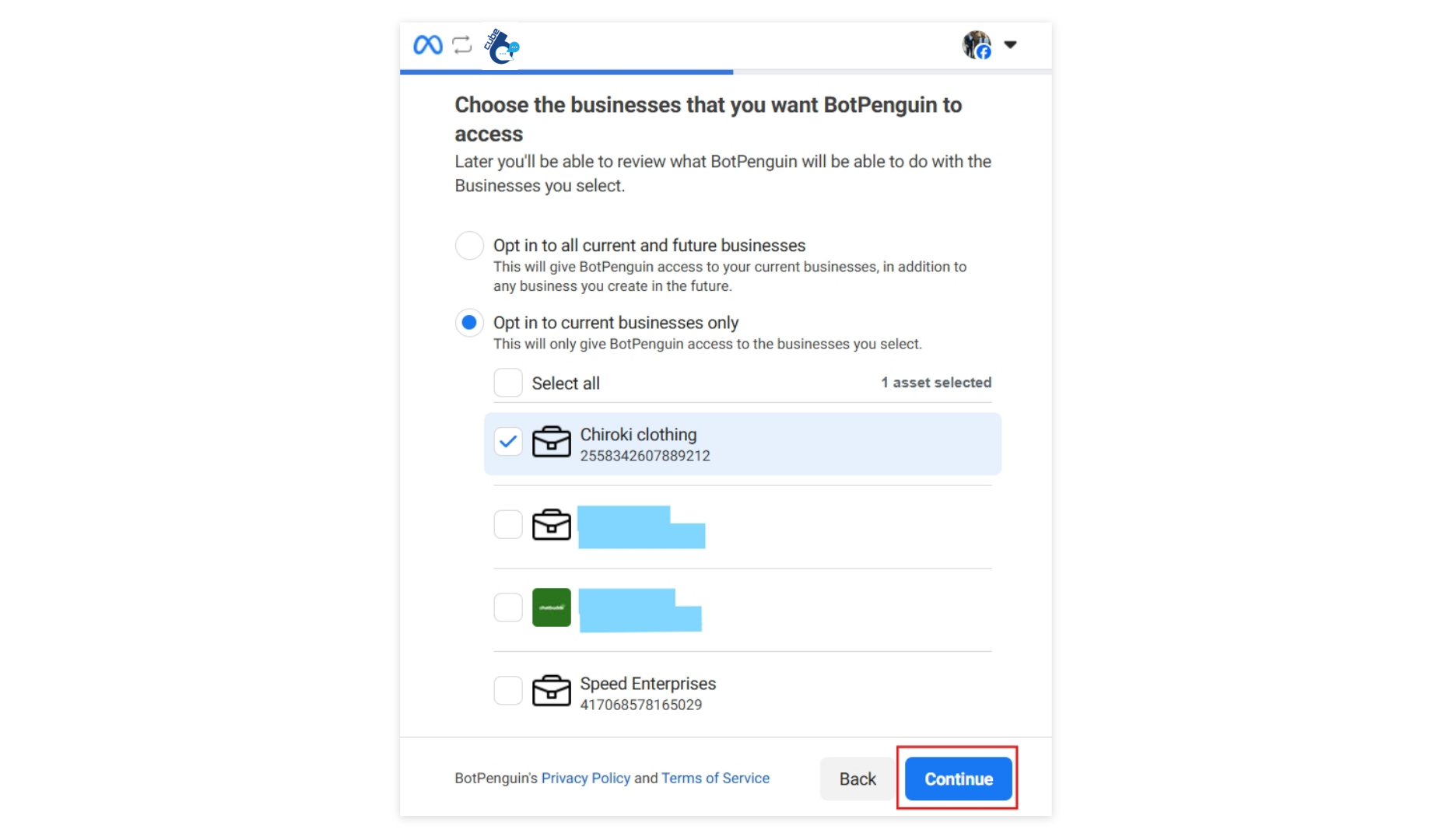
- Then select your business account which you want Cube6 to access and usse chatbot for. You can opt for all the accounts or select a specific business account only.
-
Then click on “continue”.
-
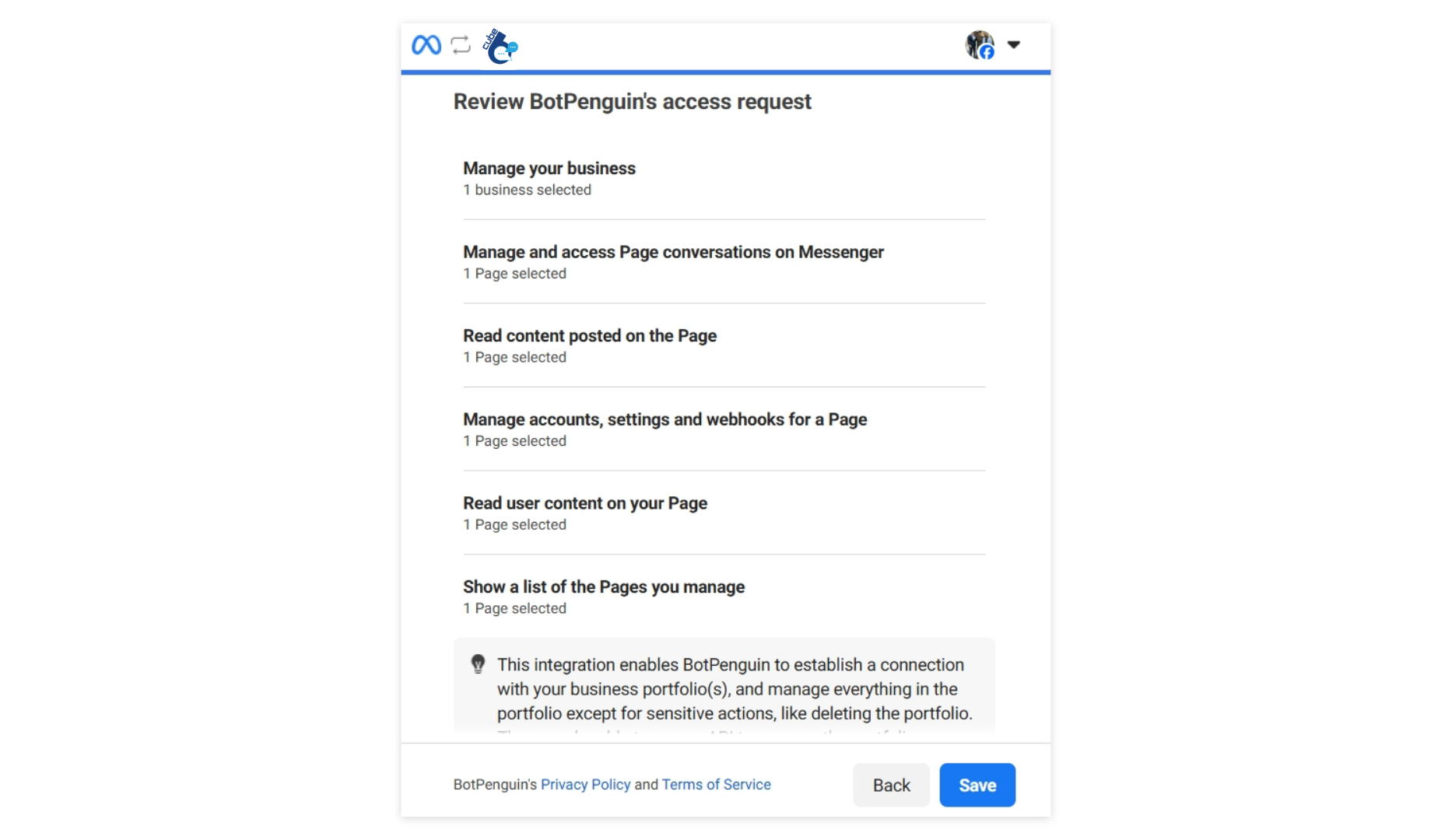
You can check and review Cube6’s access request and then click on save to move ahead.
- After following the steps ahead your facebook bot will be ready to use.
-
You can now edit the flow for your bot. And you can now do customizations accordingly.